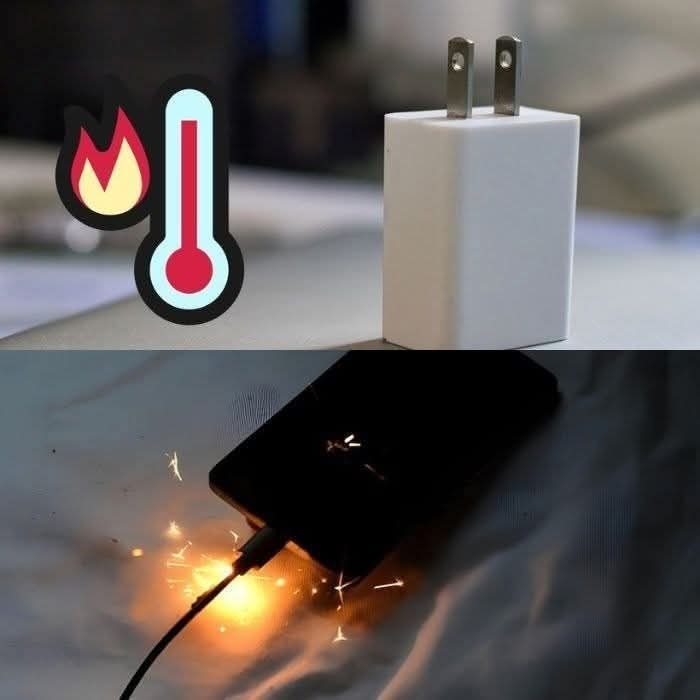
Why do phone chargers heat up when charging? And is it dangerous?
How do I cool down my smartphone?
To cool down an overheated mobile phone, you must first remove the case to release the heat. Next, activate airplane mode for a few minutes to disable battery-consuming features such as Bluetooth or apps running in the background. Then place the smartphone in a cool, shady place. A fan can also help cool it down quickly.
Remember: your mobile phone does not tolerate extreme temperatures, neither too hot nor too cold. It is equipped with a lithium-ion battery that works most efficiently at temperature fluctuations between 10 and 25 °C. A higher or lower range can affect the hardware and even the performance of the device.
Here are some tips to keep your phone cool:
Use less power: Usually, the smartphone heats up and loses battery power with prolonged use, so it is best to take breaks from time to time to maintain the ideal temperature and extend battery life.
Install cleaning software: Junk files clog up your phone and put extra strain on the processor, but also on the battery. Ideally, download a maintenance application specifically designed to clean up unnecessary files
ien. It will also be able to identify applications that consume a lot of battery. Remember: the more you clean your device, the more unnecessary content will be removed and the more you can improve its performance and thus extend the life of the battery.
